
SheetXAI lifetime deal review
AI spreadsheet automation inside Google Sheets and Excel, with natural-language commands, document extraction, bulk generation, and 500-plus integrations. AppSumo lifetime access starts at $39.
Disclosure: when you buy through our source links, we may earn a commission. This does not affect our editorial assessment.
$39
★ 4.9/5
freelancers, marketing agencies, ecommerce operators, and small businesses that run recurring data workflows in Google Sheets or Excel
Medium
What is SheetXAI?
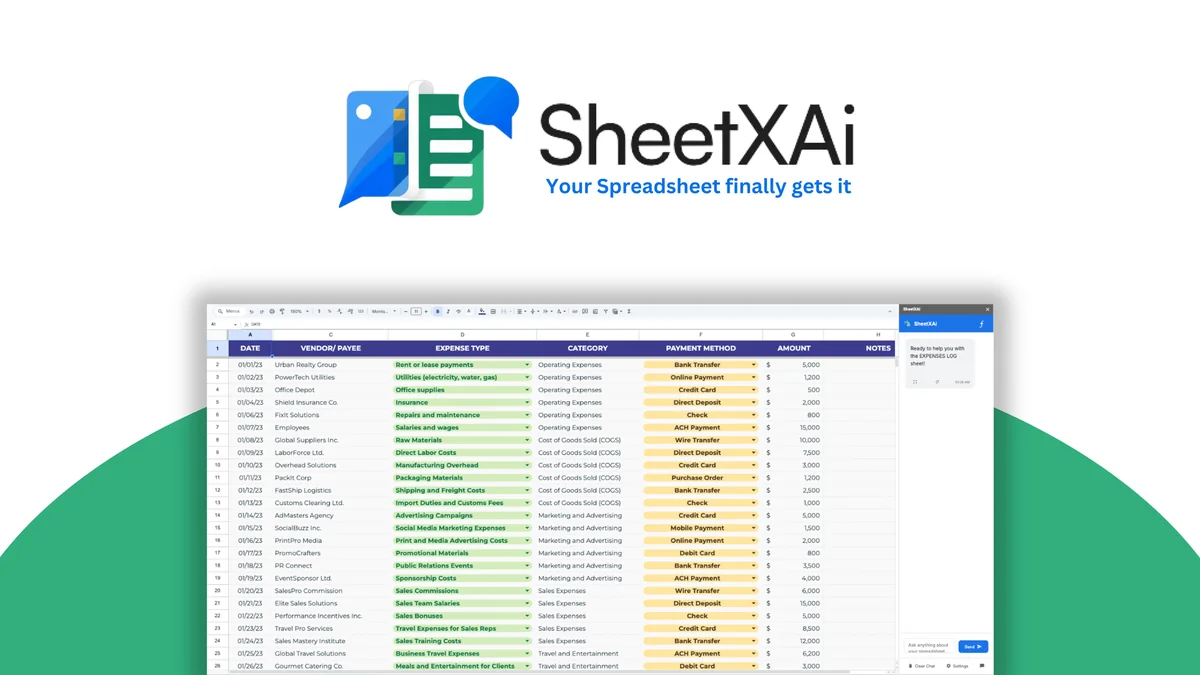
SheetXAI is an AI agent that works inside Google Sheets and Excel. Users describe tasks in plain English, such as cleaning columns, matching contacts, generating reports, extracting invoice data, or creating content in bulk. It also connects to 500-plus apps according to the AppSumo listing and can process PDFs, images, receipts, and forms into structured rows.
Key features
- →Natural-language spreadsheet automation — Clean data, split columns, remove blanks, match lists, generate formulas, build reports, and create charts without writing every formula manually.
- →Document-to-sheet extraction — Convert PDFs, photos, invoices, receipts, handwritten forms, and other unstructured documents into spreadsheet rows for review.
- →Bulk content and media generation — Generate product descriptions, research summaries, emails, images, video, and audio directly from spreadsheet rows.
- →External integrations — Connect spreadsheet workflows to services such as HubSpot, Apollo, Hunter, Lusha, Instantly, Lemlist, WooCommerce, WordPress, and Google Analytics.
- →BYOK model access — Use an OpenRouter-style API key to choose among supported models, with token costs paid separately to the provider.
- →Background processing — Run commands and integrations after closing the sheet and receive an email notification when processing completes.
Pros & cons
What works
- Very low entry price for a real spreadsheet workflow
- Natural-language multi-step operations reduce formula and copy-paste work
- Works across Google Sheets and Excel
- PDF and image extraction can remove manual data entry
- 500-plus integrations expand the spreadsheet into an operations hub
- 60-day AppSumo refund window gives time to test
What to watch
- BYOK is required and AI tokens are not included
- Media generation can consume credits quickly
- Excel agent costs an additional non-refundable $29
- AI edits and extracted financial data still need human review
- Young bootstrapped company founded in 2025
- 63 AppSumo reviews are positive but still a thin long-term sample
Shelfware risk: Medium
All lifetime deals carry shelfware risk. The real question is whether this tool solves a workflow you have right now.
Pricing & tiers
1 license. Best starting point for a solo operator with one real workflow.
3 licenses. Buy when a small team has immediate use for the tool.
5 licenses. Fits a small agency or growing business.
25 licenses. Only makes sense for a team ready to deploy it broadly.
Quick verdict
Conditional Buy. SheetXAI is worth $39 when it replaces a spreadsheet workflow you perform every week. The access price breaks even against a $20 to $25 monthly AI spreadsheet tool in about 1.6 to 2 months. The qualifier is BYOK: the license does not include AI tokens, so you pay your model provider separately. Add credit costs for heavy media generation, $29 for the Excel add-on, and medium company longevity risk before buying.
Who should consider SheetXAI?
Best for freelancers, marketing agencies, ecommerce operators, and small businesses that clean, merge, enrich, extract, or report on spreadsheet data every week. It fits buyers with a named workflow and a token budget. Skip it if you only need occasional formula suggestions, cannot manage BYOK usage, need enterprise governance, or want guaranteed accounting accuracy.
What to check before buying
- Start with Tier 1 and connect one real Google Sheet in the first week.
- Set a token budget before running bulk operations.
- Test invoice extraction against documents with known answers.
- Buy the Excel add-on only if Excel is part of the current workflow.
- Use the 60-day refund period to test a complete process, not isolated demos.
- Keep human approval for financial, legal, and customer-facing output.
Alternatives and category fit
- →Gemini in Google Sheets — Better fit for Google Workspace teams that want native AI assistance and already pay for the ecosystem. Less focused on BYOK model choice and broad external workflow automation.
- →Microsoft Copilot in Excel — Better fit for Microsoft 365 teams that want native Excel support and enterprise infrastructure. Recurring subscription cost is the key comparison point.
- →GPT for Work — A subscription alternative for teams that want AI across spreadsheets and other office documents without managing their own model key.
- →Airtable — A stronger spreadsheet-database hybrid for structured records and collaboration, but it does not replace SheetXAI's natural-language spreadsheet operations.
More Productivity & Automation lifetime deals
Compare SheetXAI with these related lifetime deals.
Frequently asked questions
Does the SheetXAI lifetime deal include AI tokens?
No. The license gives you access to SheetXAI, but you bring your own OpenRouter-style API key and pay the model provider for token usage.
How much does SheetXAI cost on AppSumo?
The listed tiers are $39, $149, $199, and $299 for one, three, five, and 25 licenses. The Excel AI Agent is an additional $29 one-time add-on.
Is SheetXAI available for Google Sheets and Excel?
Yes. The Google Sheets agent is included in the listed plans. Excel access is offered through a separate $29 add-on.
How does SheetXAI compare with Gemini or Copilot?
Gemini and Copilot are stronger ecosystem choices for users already committed to Google Workspace or Microsoft 365. SheetXAI is more focused on cross-platform spreadsheet automation, bulk operations, external integrations, and BYOK model choice.
Can SheetXAI extract invoices and PDFs?
Yes. It can turn PDFs, images, invoices, receipts, and forms into structured spreadsheet rows. Review every financial result before using it for reconciliation, reporting, or payment decisions.
Is SheetXAI worth buying for media generation?
Only if you have a clear bulk media workflow and have budgeted for credits. The lifetime license does not make image, video, or audio generation free.
How long is the AppSumo refund window?
The AppSumo listing states a 60-day money-back period. Use that window to run a real workflow and measure token and credit consumption.